FAQs

Have you checked:

  • The condenser fan and evaporator (tangential) rotate correctly.
  • The compressor is working (vibrations).
  • The Inverter board is correctly working.
  • The ambient and evaporator probes are working.
See the complete guide in the Fault Finder section below.
  • Access the menu and enter machine parameters.
  • Access Selections Management and then PRICES.
  • Select an item and input the price.
  • Make sure you exit all the way out to save. 

Please see the download in the Tutorials section for further information.

Additionally the Installation guide within your machine has a section on setting prices.

  • Each shelf slides out for easy filling – ensure you fill each shelf with the correct product for the spiral depth.
  • For machines with Open Basket Feature / Basket meals – see Tutorials section below for download. 
  • For machines with a High Capacity Tray – there is a specific way to load products – see Tutorials section below for download.
Additionally the Installation guide within your machine has information on loading the machine.
  • A lot of Guest WiFi’s have rigorous Firewalls. 

To perform a test to check connectivity:

  • From Service Menu – enter Control Panel.
  • Then – Telemetry Test.
This will run a diagnostic test to check connectivity – if you see CONNECTED – that means the machine has connectivity. If not you will need to connect to an alternative server within the location.
 
Please see the download in the Tutorials section for further information.


Fault Finder

Use this section for error codes, fault finding, cleaning and recommended parts. 

Snackpoint Skudo - Cover Images - Error Codes
Snackpoint Skudo Error Codes
Snackpoint Skudo - Fridge Errors
Snackpoint Skudo Troubleshooting the Fridge
Snackpoint Skudo - 12 month Check up!
Snackpoint Skudo 12 month check up
Snackpoint Skudo - Spirals & Motors
Snackpoint Skudo Spiral & Motor Guide
Snackpoint Skudo - Recommended Parts!
Snackpoint Skudo Recommended Parts

Downloads

Use this section to download any updates, software or media to get the most out of your Snack & Bottle vending machine.

SNACKPOINT SKUDO - Ready to Go Checklist
Snackpoint Skudo Checklist
Snackpoint - Planogram
Snackpoint Skudo Planograms

Tutorials

Use this section to view user guides and tutorials to keep your Snack & Bottle vending machine in tip-top condition.

Snackpoint Skudo Loading High Capacity Tray
Snackpoint Skudo Moving High Capacity Tray
Snackpoint Skudo Setting Prices
Snackpoint Skudo Connecting to WiFi
Snackpoint Skudo Reconfiguration Guide

Featured Tutorial

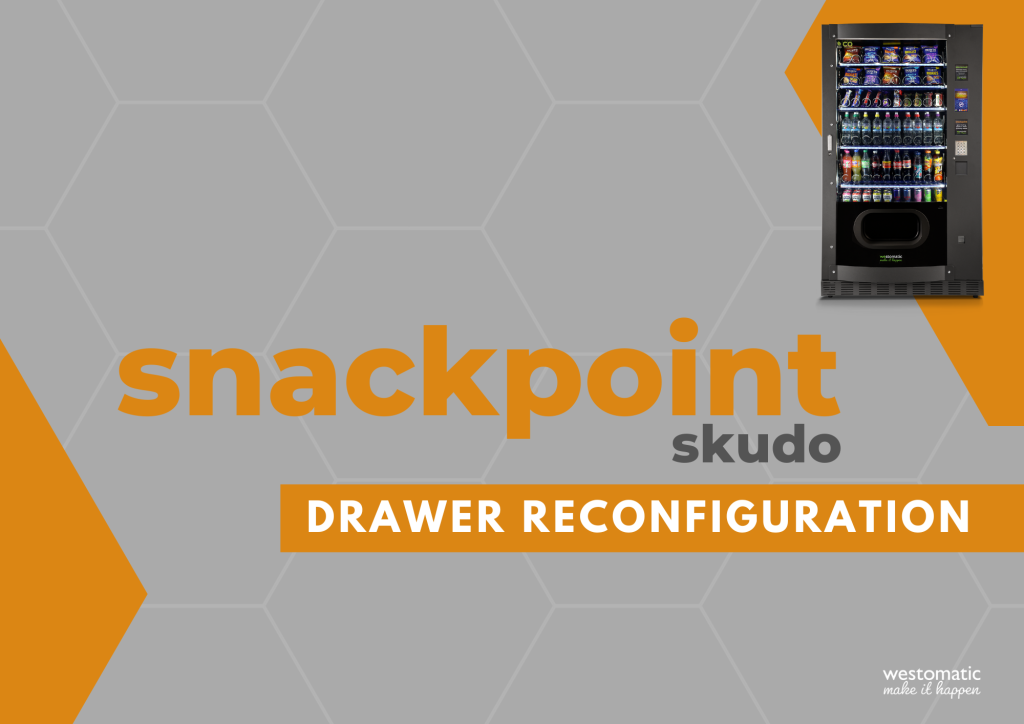
Drawer Reconfiguration

A step by step guide to changing the configuration of a Westomatic Snackpoint machine.

Subscribe to our Video Tutorials

Video tutorials can be found on our YouTube Channel. Subscribe Now

Relevant Technical Bulletins

LOOKING FOR PARTS

Can't see what your looking for?
Call +44 (0)1626 323100